
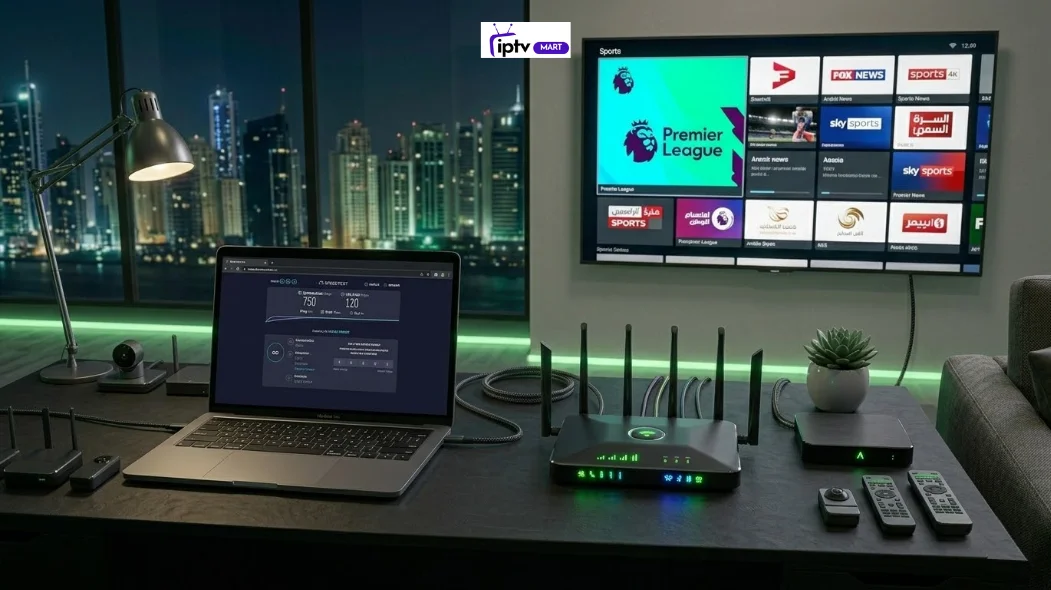
For 4K IPTV streaming in the UAE, a consistent internet speed of at least 25 Mbps per device is required to prevent buffering. However, for a stable, high-quality experience—especially when streaming 4K content at 60 frames per second—a connection of 50 Mbps or higher is recommended. This additional bandwidth helps handle network fluctuations, background downloads, and other devices connected to the same home network.
With modern fibre infrastructure in the UAE, most households using providers like Etisalat and du already have internet plans that easily support 4K IPTV streaming.
Why Does Internet Speed Matter?
IPTV stands for Internet Protocol Television, a technology that delivers television channels through an internet connection rather than satellite or cable.
Unlike traditional broadcast systems, IPTV sends video streams over broadband networks. This means internet speed and network stability directly affect video quality.
Typical IPTV services include:
- Live TV streaming
- Video on Demand (VOD)
- Catch-up TV
- Premium sports channels
- International TV networks
Because IPTV streams content continuously from servers, insufficient bandwidth can lead to:
- buffering
- channel freezing
- Reduced video quality
- delayed live broadcasts
Best Internet Speed Requirements for IPTV Streaming
Different video resolutions require different levels of bandwidth. The higher the resolution, the higher the required internet speed.
IPTV Streaming Speed Guide
| Video Quality | Minimum Speed | Recommended Speed |
| SD (480p) | 3 Mbps | 5 Mbps |
| HD (720p / 1080p) | 8 Mbps | 15 Mbps |
| Full HD | 15 Mbps | 20 Mbps |
| 4K Ultra HD | 25 Mbps | 50 Mbps |
These speeds apply per streaming device.
For example:
- One TV streaming 4K IPTV → 50 Mbps recommended
- Two TVs streaming simultaneously → 100 Mbps recommended.
According to industry data from Cisco’s Global Internet Reports, 4K streaming can consume between 15 Mbps and 30 Mbps of sustained bandwidth, depending on video compression and bitrate.
Recommended Internet Speed for 4K IPTV
Most UAE households use fibre internet, which easily supports high-bandwidth streaming.
Single 4K IPTV Device
Recommended speed:
- Minimum: 25 Mbps
- Best performance: 40–50 Mbps
Two 4K Streams
Recommended speed:
- 80 Mbps – 100 Mbps
Multiple Devices Streaming
For families using several smart TVs, tablets, and streaming boxes:
- 100 Mbps – 300 Mbps internet plans provide the best experience.
This ensures enough bandwidth for:
- IPTV streaming
- gaming
- video calls
- downloads
Why Stability Is More Important Than Raw Speed
Many users assume that higher internet speeds automatically mean better streaming quality. In reality, connection stability matters just as much as speed.
For IPTV streaming:
- A stable 30 Mbps connection performs better than a fluctuating 100 Mbps connection.
Network fluctuations can cause:
- buffering during live broadcasts
- frame drops in sports streams
- sudden resolution changes
This is why consistent fibre connections outperform unstable wireless networks.
Latency and Ping for IPTV Streaming
Latency measures how long it takes for data to travel between your device and the IPTV server.
For IPTV streaming, latency should remain below 50 milliseconds (ms).
Low latency is especially important for:
- live sports
- news broadcasts
- real-time TV channels
High latency can cause:
- delayed streams
- audio sync issues
- slow channel switching
Fibre connections typically offer lower latency compared to DSL or mobile networks.
Bitrate Requirements for 4K IPTV
Bitrate refers to the amount of data transmitted every second during a video stream.
Higher bitrate streams deliver:
- Sharper picture quality
- smoother motion
- improved color depth
Typical IPTV bitrate requirements:
- HD streams → 5–10 Mbps
- Full HD → 10–15 Mbps
- 4K IPTV → 15–30 Mbps
Because bitrate fluctuates with scene complexity, additional bandwidth helps maintain stable playback.
Best Internet Providers in the UAE for IPTV
The UAE has one of the strongest fibre infrastructures in the Middle East, making it ideal for IPTV streaming.
Two main providers dominate the market:
Etisalat
Features:
- nationwide fibre coverage
- speeds up to 1 Gbps
- low-latency networks
- reliable IPTV compatibility
du
Features:
- high-speed fibre broadband
- competitive pricing
- stable IPTV performance
Most residential plans from these providers start at 100 Mbps, which easily supports multiple 4K IPTV streams.
Wired vs Wi-Fi for IPTV Streaming
Network connection type can dramatically affect streaming stability.
Wired Ethernet Connection
Advantages:
- lowest latency
- consistent speed
- minimal interference
- best option for IPTV
Wi-Fi Connection
Works well when using:
- 5 GHz Wi-Fi networks
- modern Wi-Fi 6 routers
However, Wi-Fi may suffer from:
- signal interference
- distance limitations
- congestion from other devices
For the best experience, many IPTV users connect their smart TV or IPTV box directly to Ethernet.
Devices That Support 4K IPTV Streaming
To enjoy 4K IPTV, the streaming device must support 4K decoding.
Common IPTV devices include:
- Smart TVs
- Android TV boxes
- Amazon Fire TV devices
- Apple TV
- NVIDIA Shield TV
Devices with stronger processors handle high-bitrate streams more efficiently.
How to Test Your Internet Speed for IPTV
You can quickly determine if your connection supports IPTV streaming.
Follow these steps:
- Open an internet speed test website.
- Check your download speed.
- Measure ping (latency).
- Run the test during peak evening hours.
- Compare results with IPTV speed requirements.
If the download speed falls below 25 Mbps, 4K streaming may struggle.
How to Improve IPTV Streaming Performance
If you experience buffering, several improvements can help.
Upgrade Your Internet Plan
For households using multiple devices, a 100 Mbps or faster plan provides better reliability.
Use Wired Ethernet
Ethernet connections reduce network interference and packet loss.
Upgrade Your Router
Modern routers support:
- Wi-Fi 6
- better bandwidth distribution
- stronger signal coverage
Reduce Network Congestion
Heavy downloads, gaming, or cloud backups can reduce the bandwidth available for IPTV.
Common IPTV Buffering Issues
Buffering can occur even with fast internet.
Common causes include:
- unstable Wi-Fi networks
- overloaded IPTV servers
- high-latency connections
- weak router performance
- background downloads
Identifying the source of the problem often resolves streaming issues.
Best Home Setup for IPTV Streaming
A reliable IPTV home network typically includes:
- 100–300 Mbps fibre internet
- Wi-Fi 6 router or mesh system
- Ethernet connection for the main TV
- dedicated IPTV streaming device
This configuration ensures smooth playback even during peak hours.
Final Thoughts
For smooth 4K IPTV streaming in the UAE, the most important factors are speed, stability, and network setup.
Key recommendations:
- Minimum speed: 25 Mbps per device
- Recommended speed: 50 Mbps or higher
- Households with multiple devices: 100 Mbps or more
With strong fibre infrastructure from providers like Etisalat and du, most UAE homes can easily support high-quality IPTV streaming when their home network is properly optimised.